
#Overview
WP Fusion integrates with If-So Dynamic Content to allow you to use tags or lists from your connected CRM as conditions in triggers and blocks.
#Triggers
When editing any If-So condition, select CRM Tags (any) from the Select A Condition dropdown.
![A screenshot of a webpage displaying the Dynamic Content settings in WordPress, enhanced by WP Fusion CRM integration. It features a condition for showing content based on ActiveCampaign tags, with a message: Welcome back, [user_meta field=first_name]!.](https://wpfusion.com/wp-content/uploads/2021/08/if-so.jpg)
You can then select one or more CRM tags in the Select Tag(s) box, and add your content.
The content will then only be displayed to users who are logged in and have at least one of the specified tags.
#Blocks
When editing any block in the block editor, select User has tag as a condition from the If-So conditions panel, and select a tag.
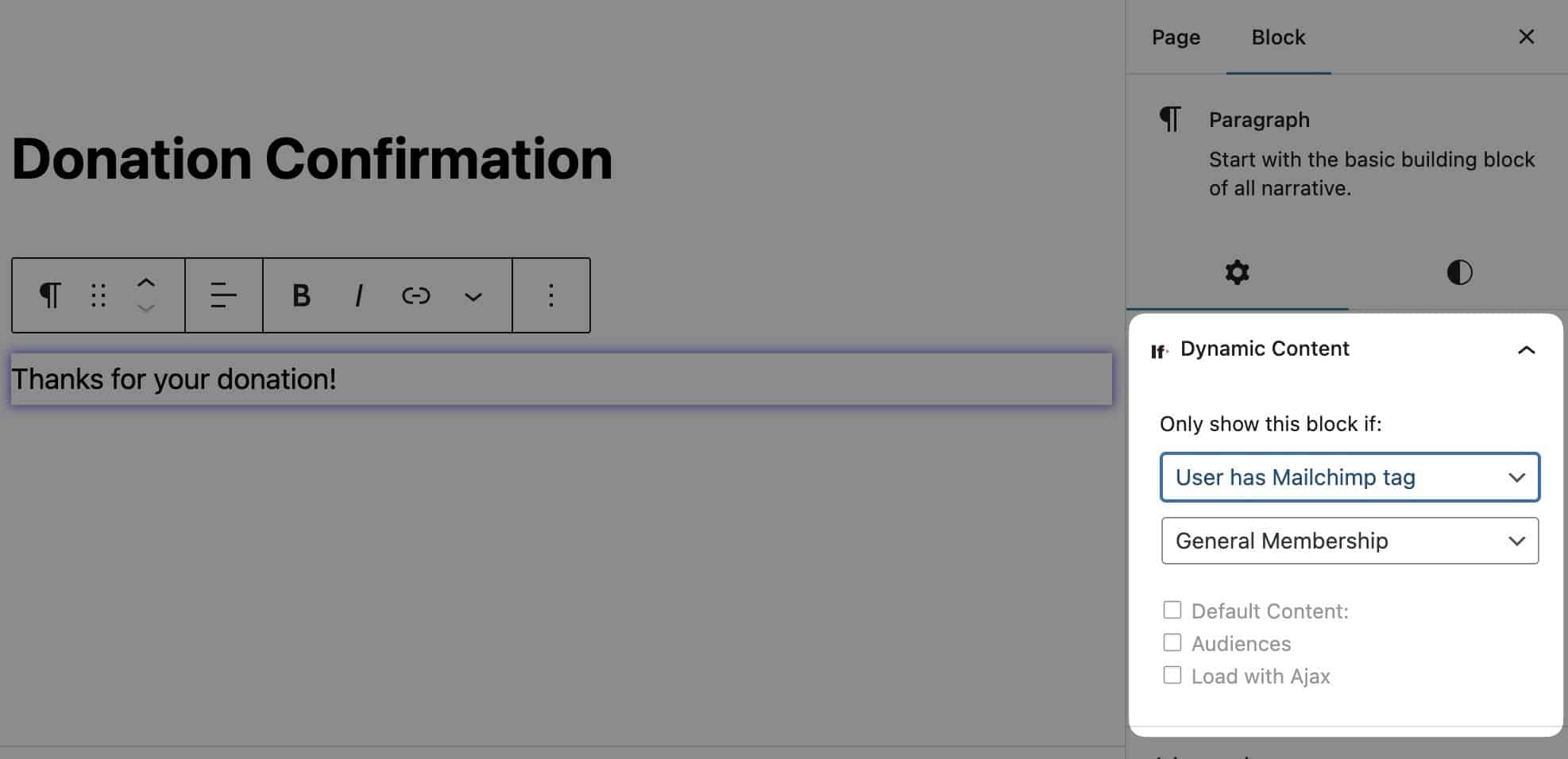
The block will only be shown if the user is logged in and has the specified tag.
Was this helpful?
Let us know if you liked the post. That’s the only way we can improve.