


Modern Events Calendar is a flexible event registration, ticketing, and calendar plugin for WordPress that can handle a variety of events. Whether you are organizing an annual conference for your company, holding training courses to teach CPR, hosting art or painting classes, or planning an event to raise money for a nonprofit, you will enjoy how easy and profitable Modern Events Calendar can make your event registration and ticketing with WordPress.
Modern Events Calendar lets you have it all: everything from online payments, seating limits, multiple price options, and discount codes to printable tickets and event apps on your phone.
What’s more, Modern Events Calendar’s powerful event management tools are the perfect match for Keap. You might be using Keap to track leads and sales, send email and SMS campaigns, and automate communication with your customers.
How can you connect them? WP Fusion integrates with Modern Events Calendar to allow you to add contacts to Keap when they register for an event, sync attendee information with Keap, and segment attendees in Keap using tags and lists.
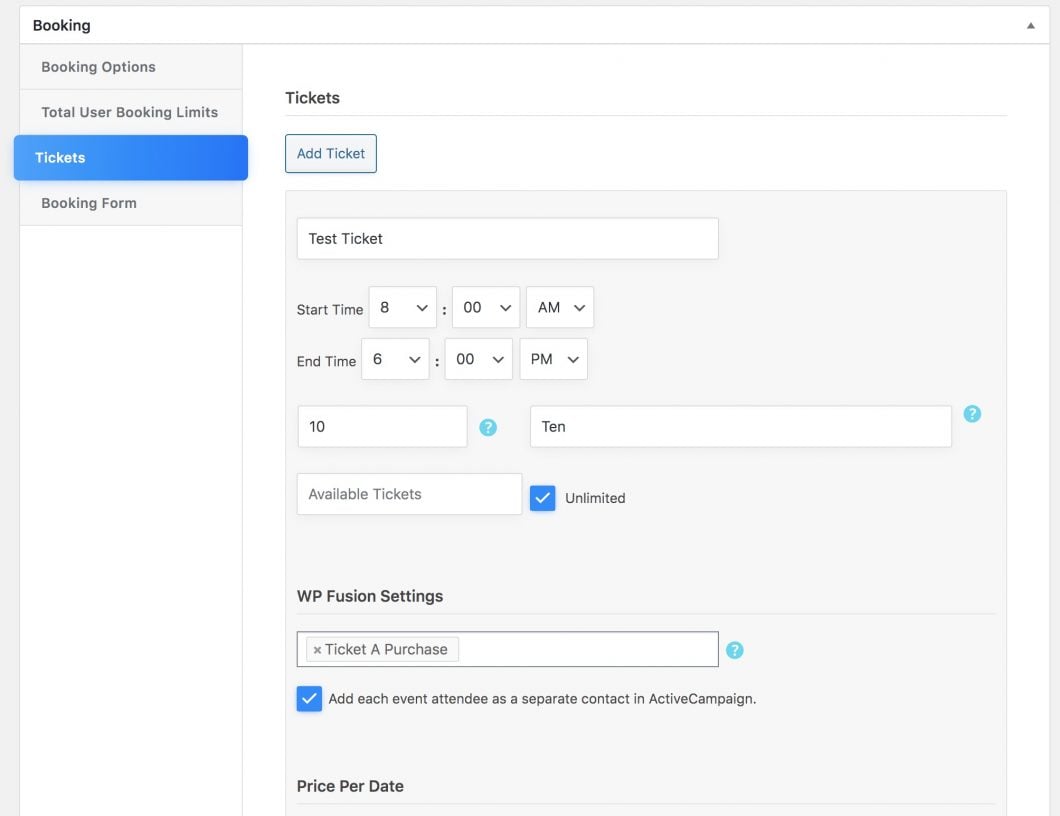
Setup
Using WP Fusion to connect Keap to Modern Events Calendar and WordPress is easy. Simply install WP Fusion and authorize your WordPress site with Keap.
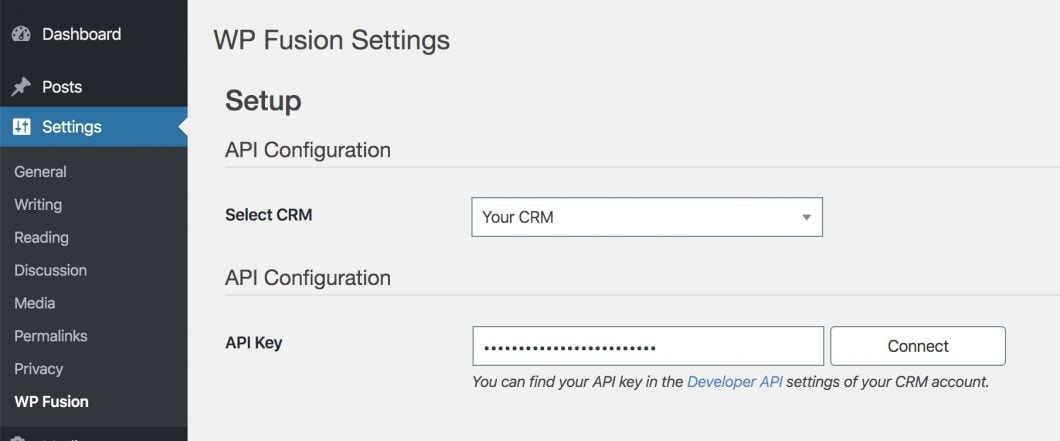
And that’s it! Your new event RSVPs and ticket purchases will automatically be synced to Keap.
Syncing attendee details with Keap
WP Fusion’s intuitive field mapping tool lets you associate data in WordPress with custom fields in Keap.
Head to Settings » WP Fusion » Contact Fields, and scroll down to the Modern Events Calendar section.
For each Modern Events Calendar field, you can select a corresponding field in Keap in which to store the data.

Available fields include event venue information, date, and event time, as well as any custom attendee fields you’ve added to your registration forms.
With WP Fusion, you can create a deep integration between Keap and Modern Events Calendar and do more with the rich data you collect.
Click below to learn more about why WP Fusion is the best solution to connect Modern Events Calendar to Keap.