#Overview
WP Fusion integrates with Uncanny Automator (Pro) to allow you to automate actions in hundreds of plugins and third-party services based on tag changes in your connected CRM.
For more information on the similarities and differences between WP Fusion and Uncanny Automator, check out WP Fusion vs Uncanny Automator.
#Setup
Create a new recipe and choose WP Fusion as the trigger.
The available options are Tag is added to a user and Tag is removed from a user. For each you can select a single tag from the dropdown.
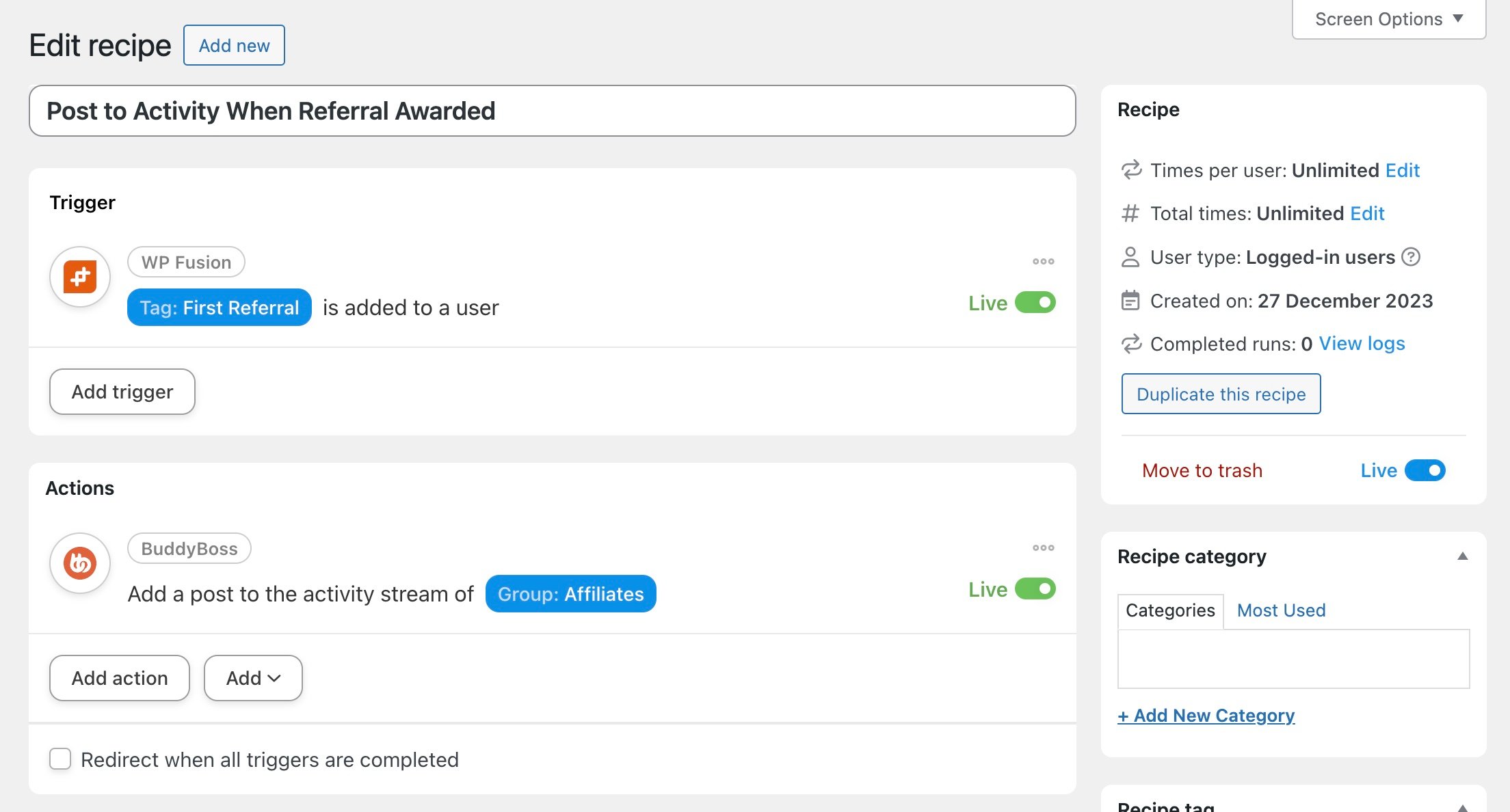
Then, connect your trigger to one or more actions. When the selected tag is applied (or removed), the connected actions will be triggered.
#Action
WP Fusion can also be used as an action connected to another trigger. The available actions are Add a tag to the user and Remove a tag from the user.