Your course platform knows who finished lesson three. Your CRM should know too—without exports, zaps that break silently, or manual spreadsheets. WP Fusion connects LearnDash (and other LMS plugins) to your CRM so tags, fields, and access rules follow what students actually do.
#Who this is for
This page is for course creators on WordPress using LearnDash, LifterLMS, Tutor LMS, or similar, plus a CRM or email platform such as ActiveCampaign, HubSpot, Kit, or FluentCRM.
If you have not connected WP Fusion yet, start with our getting started guide, then return here for LMS-specific workflows.

#The problem: two systems, one student
Most course sites run the LMS in WordPress and marketing automation in a CRM. Without a bridge, you either manually export enrollments or chain together middleware that does not understand lesson completion, quiz scores, or course access.
That gap shows up in late emails, wrong segments, and support tickets from students who paid but do not have access. WP Fusion closes the loop on the WordPress side.
Thousands of course creators use WP Fusion with LearnDash and other LMS plugins; see customer stories for examples of membership and course businesses that unified their stack.
#What you can automate
- Apply CRM tags when a student enrolls, completes a lesson, or passes a quiz
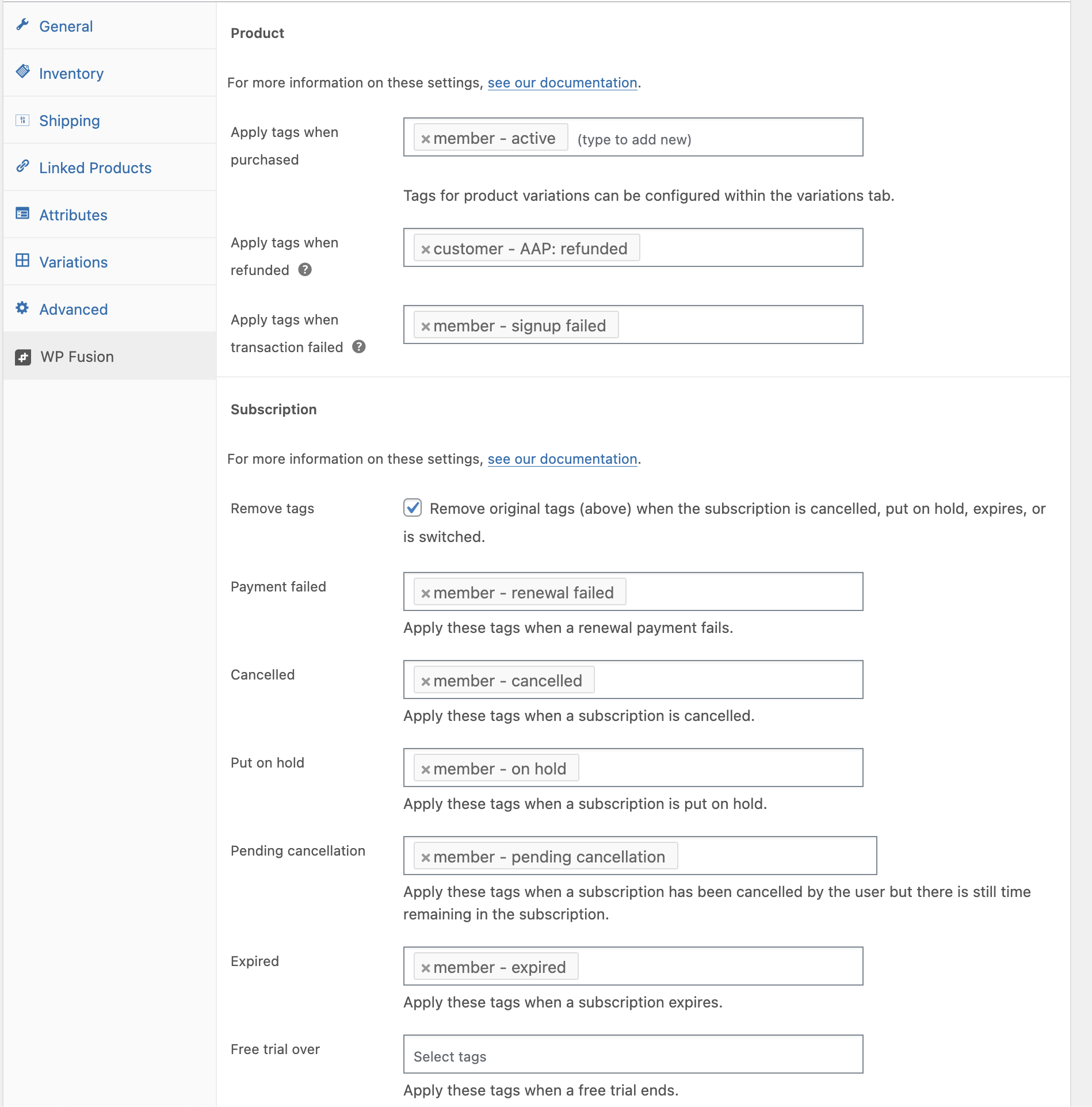
- Remove tags or apply new ones when a subscription ends or a course is completed
- Unlock modules or drip content based on CRM tags (tag applied in your CRM → access opens on the site)
- Sync custom fields such as progress percentage, last lesson, or certificate IDs
- Trigger email sequences from real course behaviour instead of static lists
#LearnDash + CRM: a typical setup
LearnDash is the most common LMS we see with WP Fusion. After you connect your CRM, open the LearnDash integration settings in WP Fusion and choose which course events should apply or remove tags.
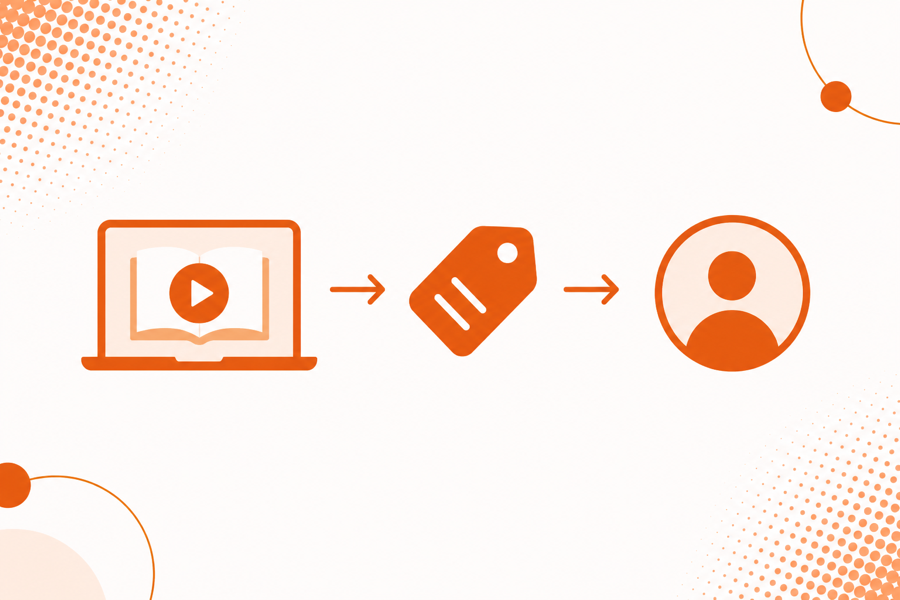
Example workflow: student enrolls in “SEO Fundamentals” → WP Fusion applies Enrolled - SEO Fundamentals in ActiveCampaign → your welcome sequence starts and a sales tag is removed.
Step-by-step connect page: LearnDash + ActiveCampaign. Platform-agnostic docs: LearnDash documentation.

#WP Fusion vs generic automation tools
Zapier and Make are strong when you need hundreds of app connectors. Course access, user meta, and real-time tags on WordPress often need a native integration—not a chain of tasks that poll every few minutes.
If you are deciding between middleware and a CRM bridge, read WP Fusion vs Zapier and test one critical workflow (enrollment → tag → email) on both approaches.
#Other LMS platforms
WP Fusion also supports LifterLMS, Tutor LMS, Sensei, and others. The pattern is the same: connect your CRM, map fields, then configure tag rules on the LMS integration screen. Search the integrations directory for your plugin.
#Three campaigns course creators run first
After the technical connection is live, most creators prioritize these automations:
- Welcome sequence on enrollment — Apply a course-specific tag when a student enrolls so your CRM sends onboarding emails immediately.
- Completion or certificate tag — When a student finishes the course or passes a final quiz, apply a tag that triggers a survey, upsell, or alumni sequence.
- Rescue inactive students — Combine LMS progress fields synced to the CRM with automations that nudge students who stall mid-course.
Each of these depends on reliable tags from WordPress—exactly what WP Fusion is built to maintain.
#Frequently asked questions
#Can I drip lessons from CRM tags?
Yes. Many sites apply tags from their CRM (or from LearnDash events) and use WP Fusion to grant access to modules when those tags are present. See LearnDash access control in the LearnDash docs.
#Will this work with my email automations?
WP Fusion does not replace your CRM automations—it feeds them. When a tag is applied from course activity, your existing sequences, pipelines, and segments can react the same way they would if you tagged contacts manually.
#What if I sell courses and memberships?
WP Fusion supports combined stacks (for example LearnDash plus MemberPress or WooCommerce). Map tags carefully so purchase, enrollment, and completion events do not conflict. Our support team can review your tag plan if you are on a paid license.