
#Overview
WP Fusion integrates with WPML to sync a user’s language preference to your CRM.

From the Contact Fields tab in the WP Fusion settings, you can enable the language_code and language_name fields for sync.
When a user registers or updates their language preference, these fields will be updated in your CRM.
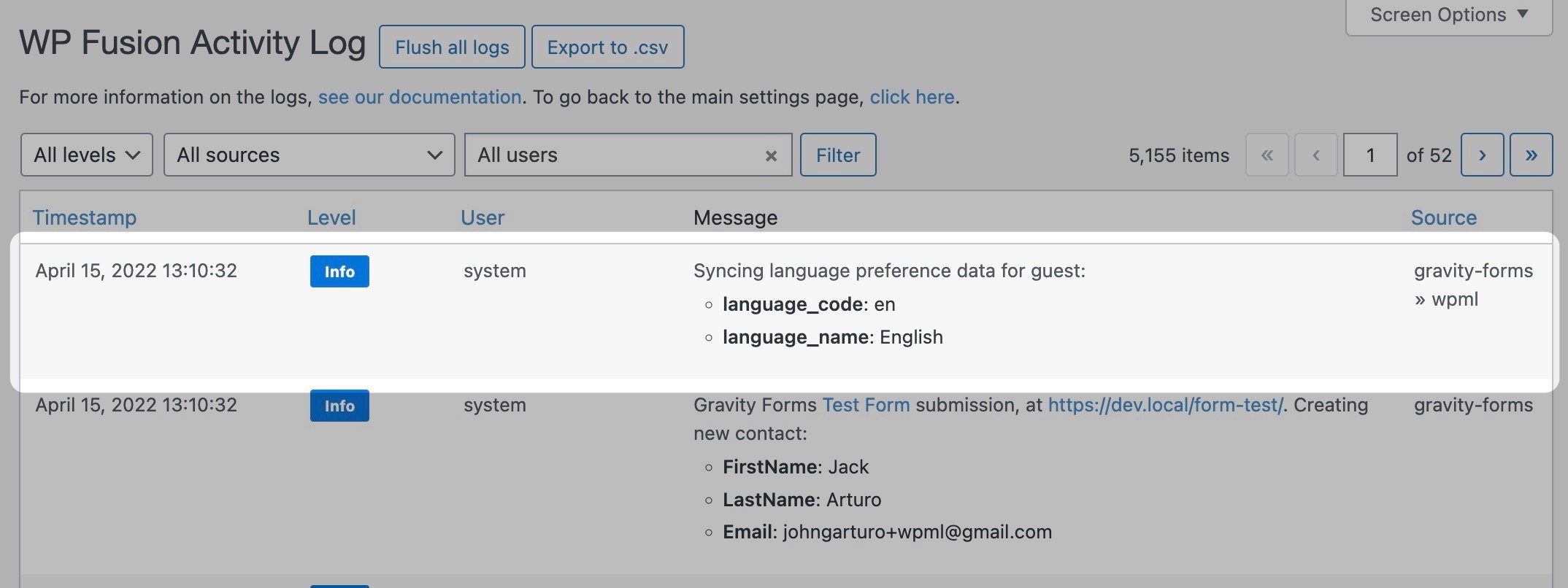
The language preference will also be synced when WP Fusion creates or updates a contact record for a guest, for example via a form submission or guest checkout.
Was this helpful?
Let us know if you liked the post. That’s the only way we can improve.