
#Overview
Using WP Fusion with Parent & Student Access For LearnDash by HonorsWP, you can automatically link student contact records to parent contact records in your CRM or email marketing system.
#Setup
Head to the WP Fusion Contact Fields settings, scroll down to the LearnDash section and enable the Parent Email field for sync by selecting a corresponding custom field in your CRM.
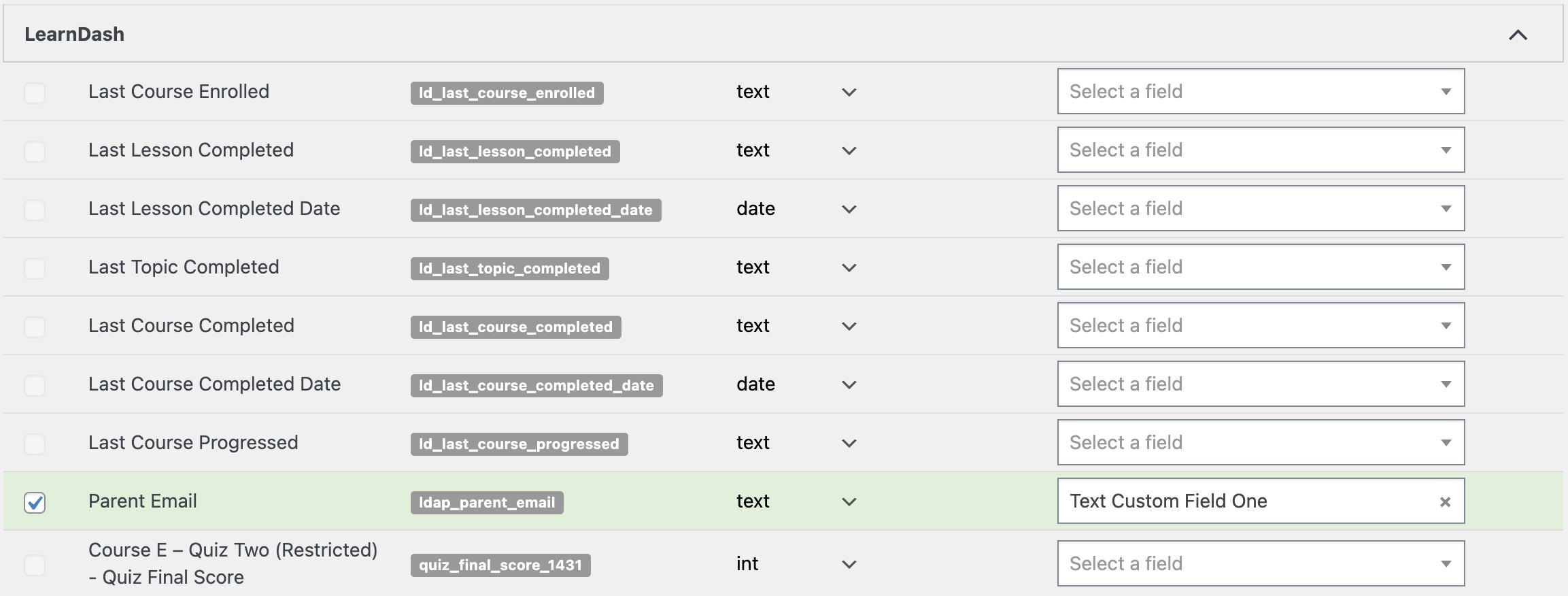
When a new student account is registered (or an existing account is linked to a parent), the email address of the parent will be synced to the student’s contact record in your CRM.
Was this helpful?
Let us know if you liked the post. That’s the only way we can improve.