
#Overview
Using WP Fusion and WPComplete you can apply tags in your CRM when students mark content as completed, or when they complete entire courses.
#Lessons
When WPComplete is active, an additional setting will appear at the bottom of the WP Fusion meta box while editing any post. Here you can specify tags to be applied when all items on the page are marked complete.

#Courses
WP Fusion also adds an admin menu where you can set up tagging for entire courses.
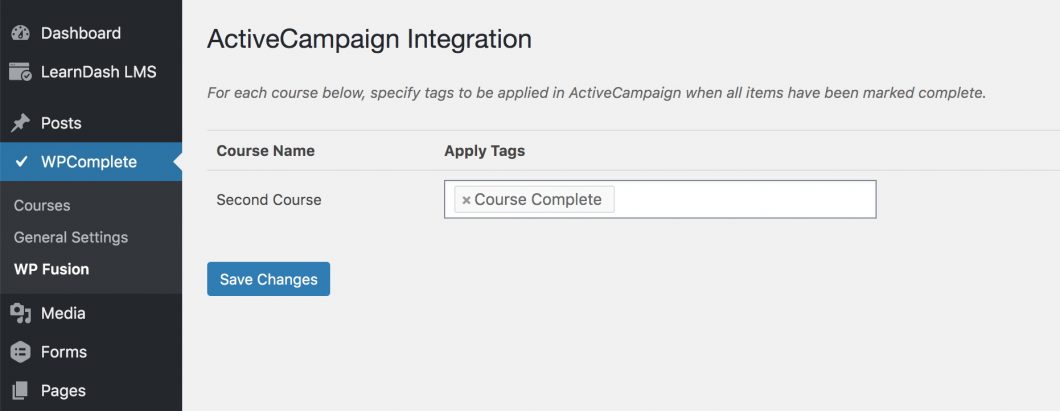
For each WPComplete course you can specify tags to be applied in your CRM when all complete-able items in the course are completed.
Was this helpful?
Let us know if you liked the post. That’s the only way we can improve.