
#Overview
WP Fusion integrates with ProfilePress to keep members in sync between your membership site and your CRM.
#Syncing members and custom fields
All new users who register via ProfilePress will be instantly added to your CRM, with all data provided at registration. Profile updates are also synced.

Any custom fields you add to your ProfilePress user profiles (using the Extended Profiles Add-on) will also be detected and will be available for sync in the WP Fusion settings.
#Registration tagging
In addition, WP Fusion lets you tag and track users based on what registration form they use upon signing up. You can find the settings for WP Fusion under ProfilePress » WP Fusion in your WordPress admin.
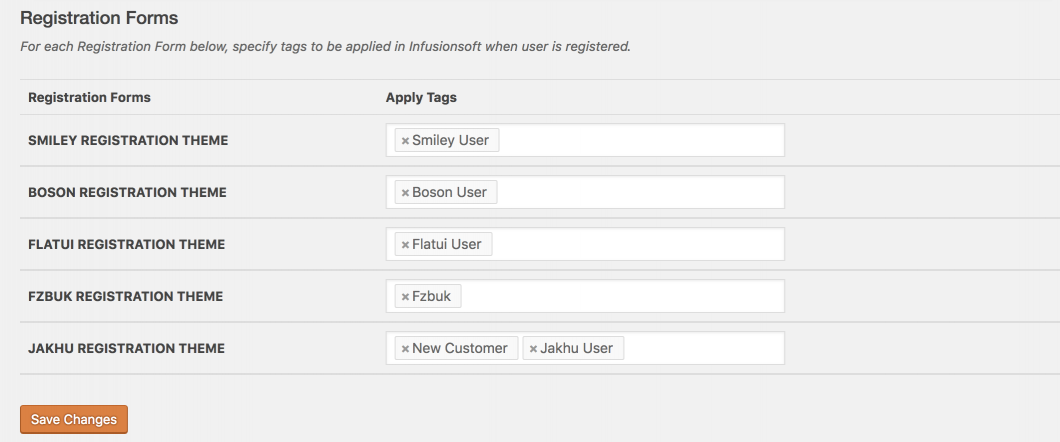
From the settings page, you’ll see each of your Registration Forms displayed in a table and the option to apply tags to each specific form.