
#Overview
WP Fusion integrates with Users Insights to allow you to sync data collected by Users Insights to custom fields in your CRM, as well as search and filter users by CRM tags.
#Syncing custom fields
When Users Insights is active, an additional section will appear on the Contact Fields tab in the WP Fusion settings.

This section will list any custom fields you have created with Users Insights. When a user registers or updates their profile, any enabled fields will be synced to your CRM.
#Search and filter by tags
In the main Users Insights users table, WP Fusion adds a new smart filter for users’ tags in your CRM.
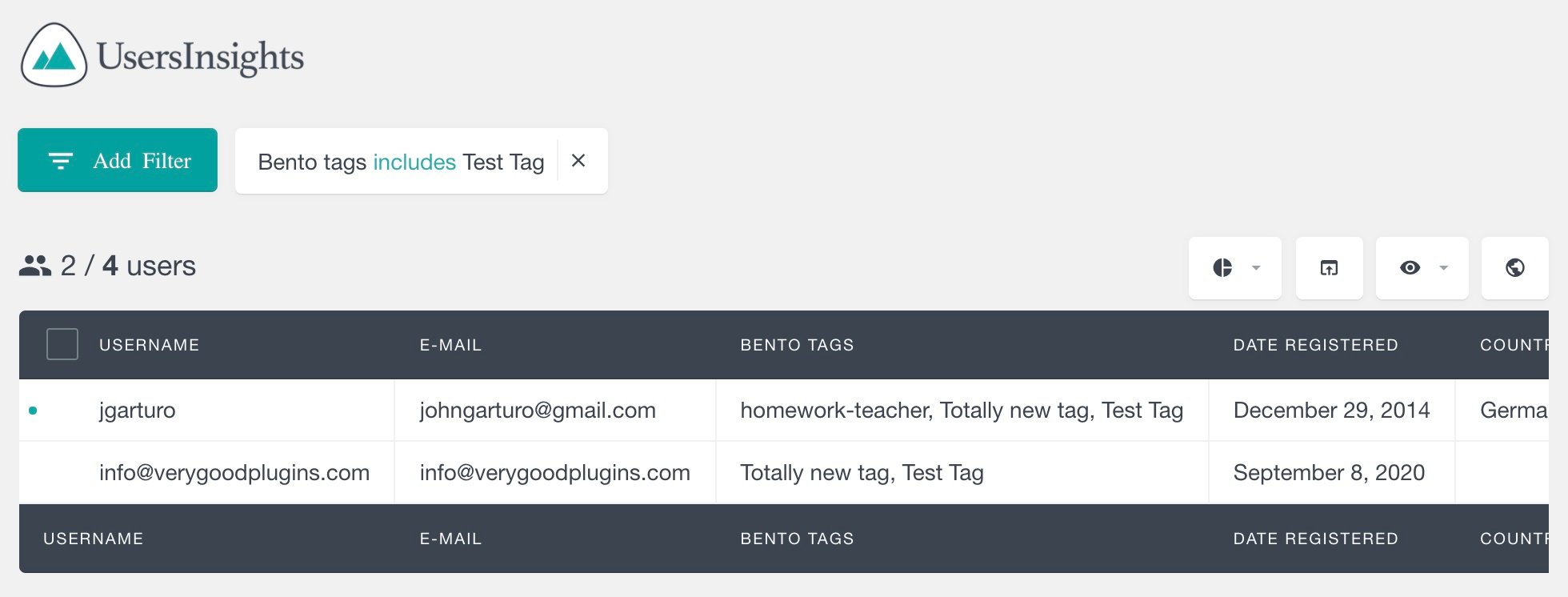
You can select tags includes or tags does not include along with a tag, to show only users who have (or don’t have) the selected tag.
Was this helpful?
Let us know if you liked the post. That’s the only way we can improve.