
#Overview
WP Fusion integrates with Salon Booking to add customers to your CRM of choice when they make a reservation, and apply tags based on the services booked.
#Customer Data
With WP Fusion active all new customers will have their name and email address synced to your CRM when they make a new booking.

You can also optionally sync their address and phone number to custom fields by enabling these fields for sync under the Salon Booking header in the WP Fusion settings.
#Applying Tags
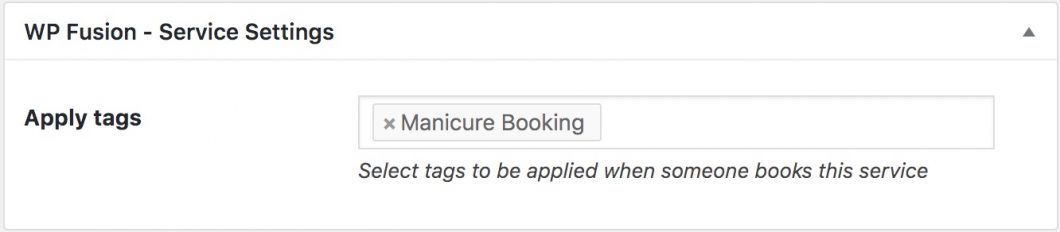
When editing any Salon Booking service or assistant, you’ll see a meta box where you can specify tags to be applied in your CRM when a booking is made for that service or assistant.
Was this helpful?
Let us know if you liked the post. That’s the only way we can improve.